Product launch email sequence: five messages for a SaaS launch

A product launch email sequence works when each message gives the right person a clear reason to take one useful step. It does not need manufactured urgency, a daily countdown, or claims that a new product has users it has not earned. For a software founder, the sequence can move from a specific problem to a first-use action, then answer the question that stopped someone from trying the product.
This is a copy-ready framework for a permission-based SaaS waitlist or customer list. It is an example, not a fixed sending schedule. If you have only one useful update, send one. If the product is still a private beta, say exactly who can use it. Pair this communication plan with the broader SaaS product launch checklist when you need to coordinate product, support, launch channels, and measurement.
Start with one reader and one next action
Write down the person who asked to hear from you: for example, a support lead at a small SaaS company who wants to turn customer conversations into a weekly issue list. Write down the first action that would help that person evaluate the product. “Visit our homepage” is usually less precise than “connect one inbox and review the first issue list.” The email should describe an action the product actually supports today.
Separate recipients by what they know. A waitlist member who has never used the tool needs a clear introduction and an honest availability note. An active beta user may need a change log and migration instructions. A paying customer may only need to know whether their workflow changes. Sending all three the same “We launched!” message wastes attention and can confuse people about access.
For each segment, check the current product page, signup path, pricing, and support route before drafting. The email is a promise about the experience at the other end of the link. If the page or plan changed yesterday, an old launch draft can become inaccurate before it leaves your inbox.
The five-message sequence at a glance
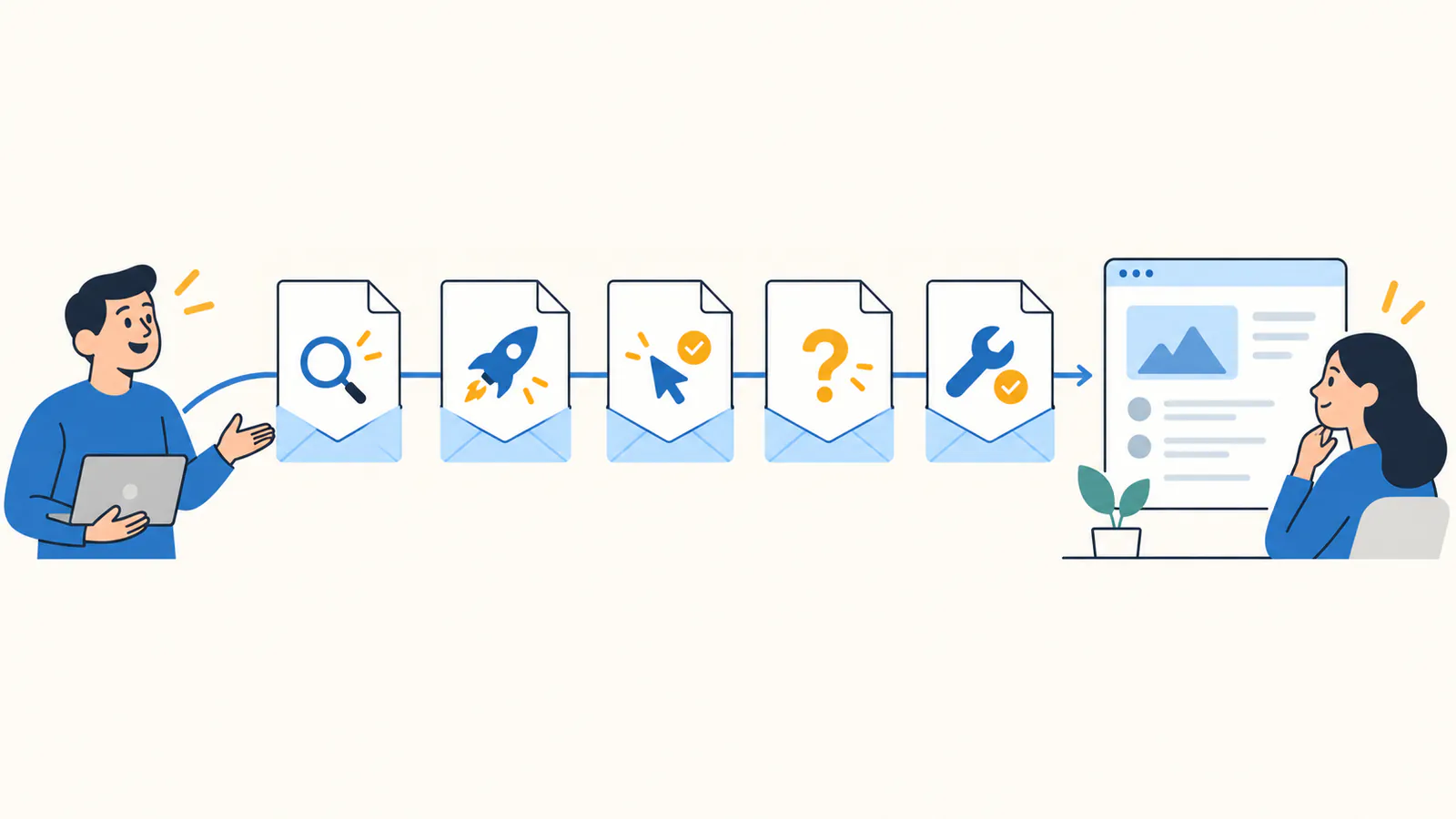
Use these five jobs as a menu. They can span days or weeks, and some audiences may need fewer messages. Do not send a message merely because a calendar says it is time.
The order follows a reader's decision, not a supposed conversion formula. If message 2 already produces a useful first session, message 3 can be a helpful onboarding note. If you cannot substantiate the concern in message 4, ask users what is unclear rather than inventing a testimonial. The startup directory listing template can help keep your product facts consistent across email and public launch pages.
Create a product draft, review every fact, and choose a free listing with a verified badge or a one-time badge-free listing after review.
See submission options →
Copy-ready SaaS launch emails
The examples below use QueueNote, a fictional tool that turns tagged support conversations into a weekly issue list. QueueNote is not a customer, a live SEO Directory listing, or evidence of results. Replace every bracketed field and verify each product claim before sending.
Email 1: preview a specific job
Subject: A clearer weekly issue list from support conversations
Hi [name],
You asked to hear when [product] could help [specific team] with [specific job]. We are preparing [what is actually available: public launch, limited beta, or waitlist]. The first workflow is simple: [input] → [review step] → [useful output].
If that is a problem you are working on, [see the current product page / confirm you want beta access]. I will share the working flow when it is ready. If your needs have changed, you can unsubscribe below.
Why it works as a draft: it names the audience and task without saying the product is generally available when it is not. The subject promises a relevant topic rather than a vague “big news” announcement.
Email 2: announce what is live
Subject: [Product] is available for [specific audience]
Hi [name],
[Product] is now [accurate access state]. It helps [reader] [complete a job] by [brief mechanism]. You can start with [one action] and then review [actual output].
The current version includes [two verified capabilities]. It does not yet support [material limitation, if one matters]. [Current price or free access terms] are on the product page.
[Start the first task]. If setup is unclear, reply to this email or use [working support link].
Before sending: open that link in a signed-out session. Test the first task, check the plan label, and make sure the page says the same thing as the email.
Email 3: teach the first useful result
Subject: A two-minute first pass with [product]
Hi [name],
Here is the shortest path to a useful result: (1) [real input or connection], (2) [real review or configuration step], (3) [output the user can inspect]. A current screenshot or short demo should show those steps, including any access requirement.
If you stopped before the result, [link directly to the relevant setup page]. If the workflow is not a fit, tell us what you expected instead. That feedback is more useful than a click that never turns into use.
Before sending: avoid fabricated screenshots and placeholder dashboards. If the onboarding path is still unreliable, fix it before making the email drive more people into it.
Email 4: answer one real concern
Subject: A quick answer about [actual concern]
Hi [name],
Some early readers asked [real question]. The current answer is [specific, verified explanation]. You can check [public help, pricing, privacy, or status page] for the complete terms. If the answer does not fit your needs, we would rather say so clearly.
[Read the answer or reply].
Before sending: this message should come from a question you actually received or a limitation you know people must understand. Do not manufacture social proof, security certification, or a deadline.
Email 5: follow up with a reason
Subject: What changed since [product] launched
Hi [name],
Since the first note, we [shipped a specific update / clarified setup / published a useful example]. That may matter if you were waiting for [relevant use case]. The current product still [honest limitation].
If the first task is now relevant, [try it here]. If not, no action is needed; you can unsubscribe at any time.
Before sending: if there is no real update and no question to answer, stop the sequence. A quiet list is better than an empty “last chance” email.
Adapt the sequence to what has actually shipped
For a private beta, email 2 should say how access is granted, whether it is limited, and what a tester can do. A public launch can link directly to a working signup or demo. An existing product releasing a major update should explain what changes for current users before recruiting new ones. These are different promises and should not be collapsed into one template.
Use one main call to action per email. Supporting links to pricing, a demo, or a help page are fine when they answer a likely question. Keep the subject, body, landing page, and product UI aligned. If the email says “start free” but the landing page only offers a paid booking, the problem is the experience, not the subject line.
Send a test to yourself and a teammate unfamiliar with the product. Check the subject, mobile layout, sender identity, recipient segment, unsubscribe path, links, and any personalization fields. Open the destination as a new visitor. If the real onboarding takes ten minutes, do not describe it as a two-minute task.
Measure activation, not just opens
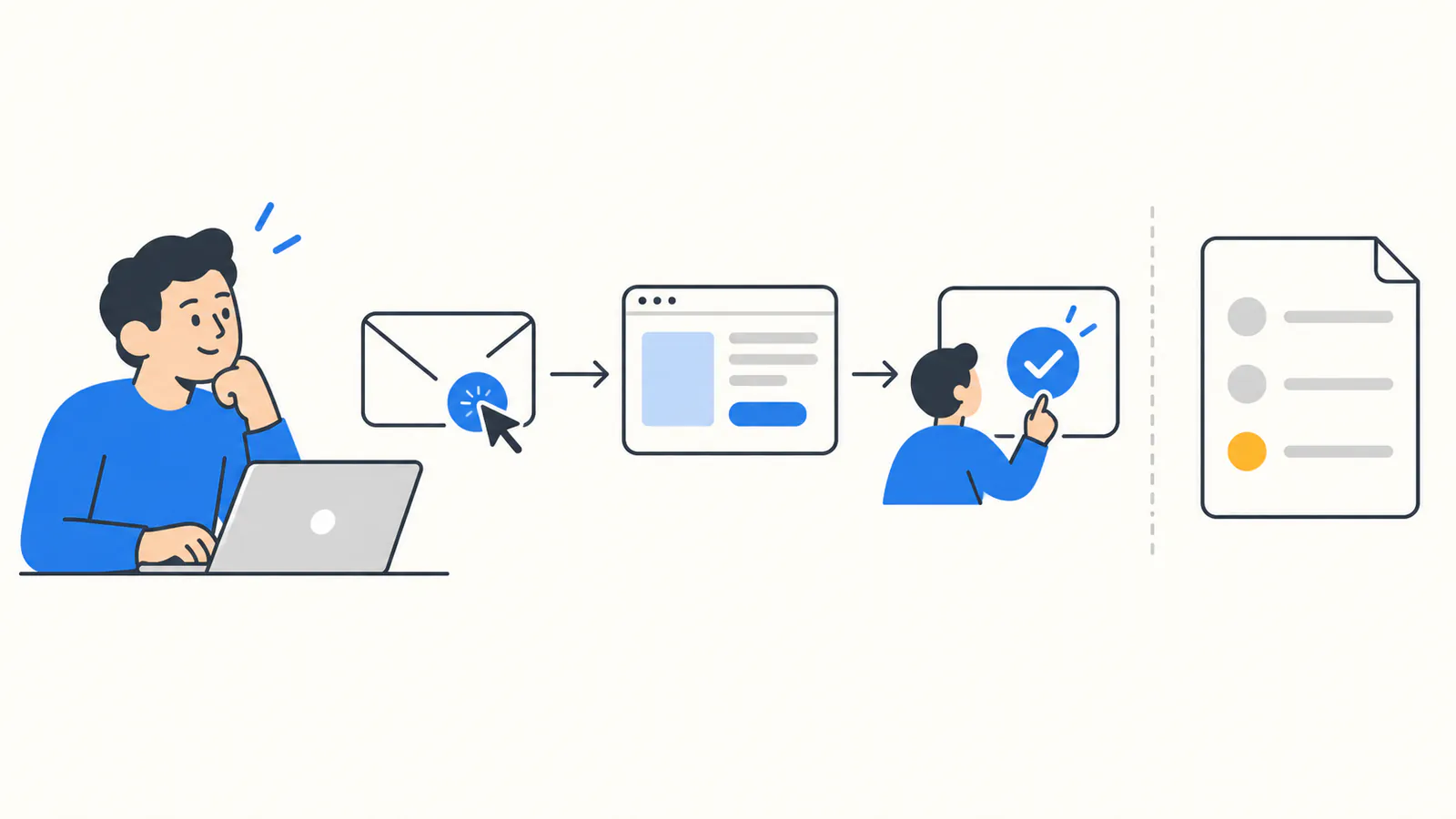
Before the first send, define the useful action for this launch: a completed signup, first project, connected integration, qualified demo request, or another product-specific milestone. Then record each step separately: delivered messages, link clicks, landing visits, signup starts, completed signups, first useful actions, and paid outcomes. Opens can be incomplete or noisy; they do not establish that someone used the product.
A distinct campaign parameter on an email's outbound link can help identify visits from that sequence, provided your analytics and consent setup support it. Use one campaign name and a different content label per message, then test that the label survives the trip to the relevant signup event. Keep your site's canonical URL clean; campaign parameters belong on distribution links, not canonical metadata. Do not count a checkout click as a paid order.
Review the questions and replies as well as the funnel. Five high-intent conversations can teach a founder more than a large number of untargeted opens. If a message attracts clicks but nobody completes the first task, inspect the destination and onboarding before sending more email.
Create a product draft, review every fact, and choose a free listing with a verified badge or a one-time badge-free listing after review.
See submission options →
Pair the email launch with a directory submission
Email reaches people who already asked to hear from you. A public software listing gives new visitors another path to discover and evaluate the product. Prepare the same verified name, buyer, workflow, current availability, pricing, and screenshots for both channels. If your product page is not ready, fix it before inviting a directory reviewer and an email list to inspect it.
SEO Directory's current submission options include a free path that requires a visible verified badge and a one-time badge-free path after approval. Both are independently reviewed; payment does not guarantee acceptance, traffic, votes, or search rankings. The directory submission guide explains how to prepare a reusable record and track placements. SEO Directory is one destination, not a service that submits your product to other directories.
Keep email and directory outcomes separate. An email click is not Google-organic traffic, and a directory referral is not a Search Console click. Each channel should have its own visit source and the same downstream definition of a qualified first use or paid customer.
A final quality check before sending
The best sequence is the smallest set of messages that helps a real person decide and act. Once your public software page supports that promise, you can submit the product to SEO Directory and measure that listing alongside your email campaign.
Create a product draft, review every fact, and choose a free listing with a verified badge or a one-time badge-free listing after review.
See submission options →